
Online wedding invitations
Elegant wedding invitations, addressed to every guest.
You know who's coming. Guests keep every invitation in one list.
How it works
Three steps, all on your phone.
No long forms. The invitation looks exactly as your guests will see it, and you edit it right there.
-
1
Pick a template
Preview all 22 before you decide. Add another template later and what you have written carries over.
-
2
Edit on the invitation
Tap text to type, tap a photo to replace it, drag and pinch to frame it. Change the wedding date once and it updates everywhere.
-
3
Send each guest a link
Add your guests and each one gets a personal link. Their name is on the envelope, and you see who has opened it.


The gallery · 22 templates
Each template has its own voice, not just its own colours.
Every style comes with its own typefaces, motion and envelope. Tap a template to see it live.
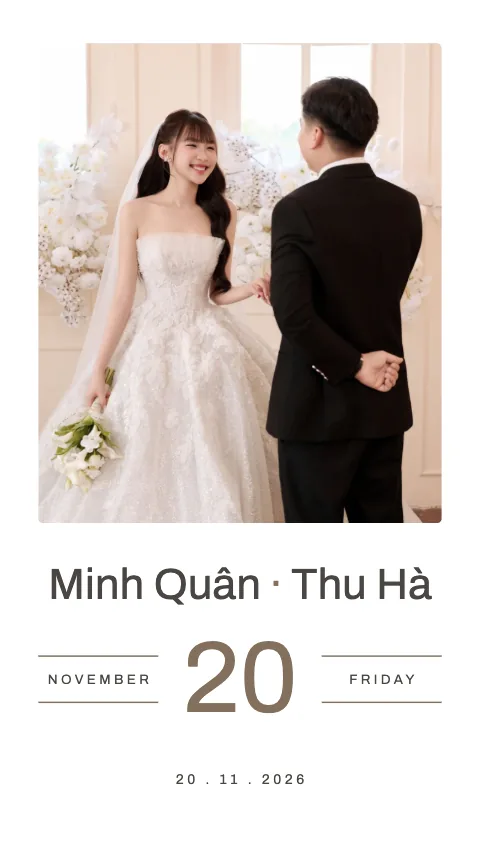
 Cinema
Basic · Cinematic
See this template →
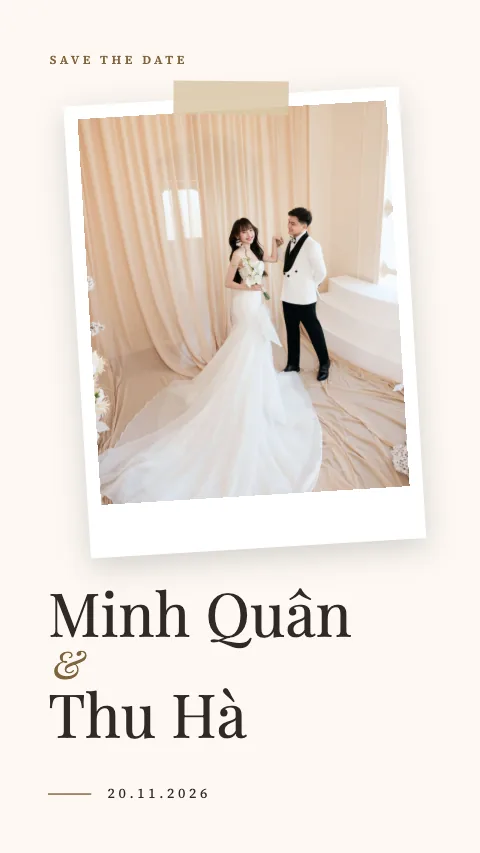
 Pure
Basic · Minimal
See this template →
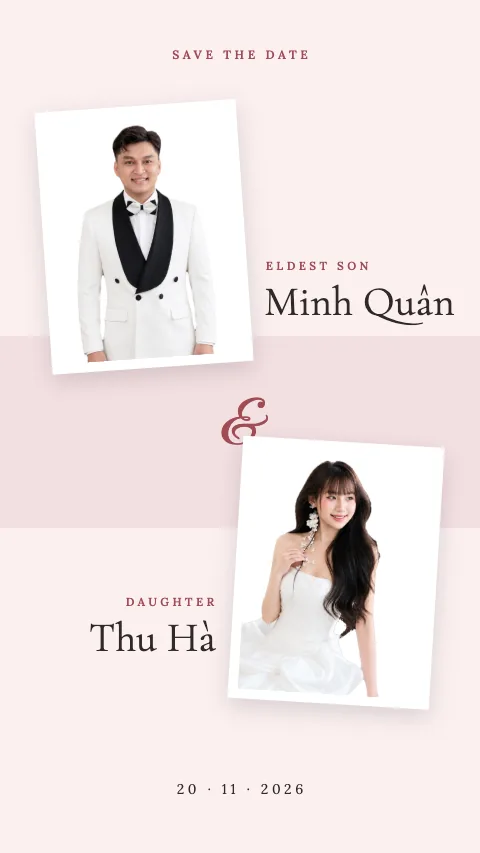
 Ivory Minimal
Premium · Editorial
See this template →
 Blush Florals
Premium · Garden
See this template →
 Double Happiness
Premium · Traditional
See this template →
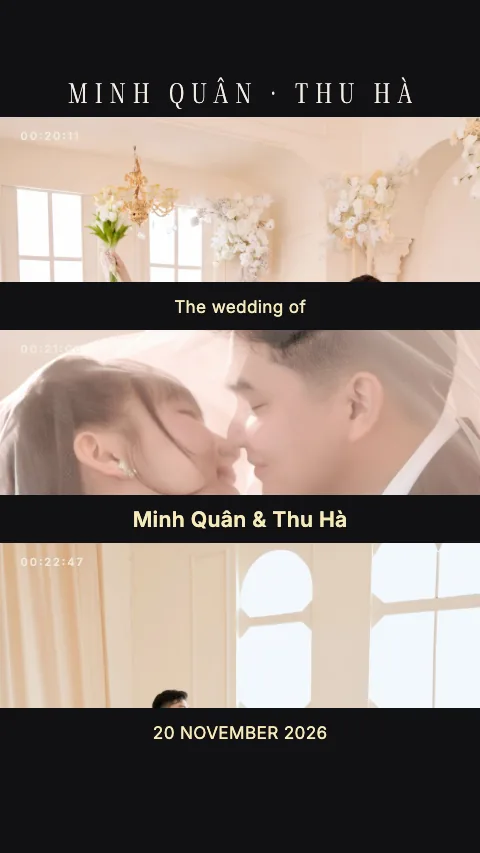 Midnight Vows
Premium · Cinematic
See this template →
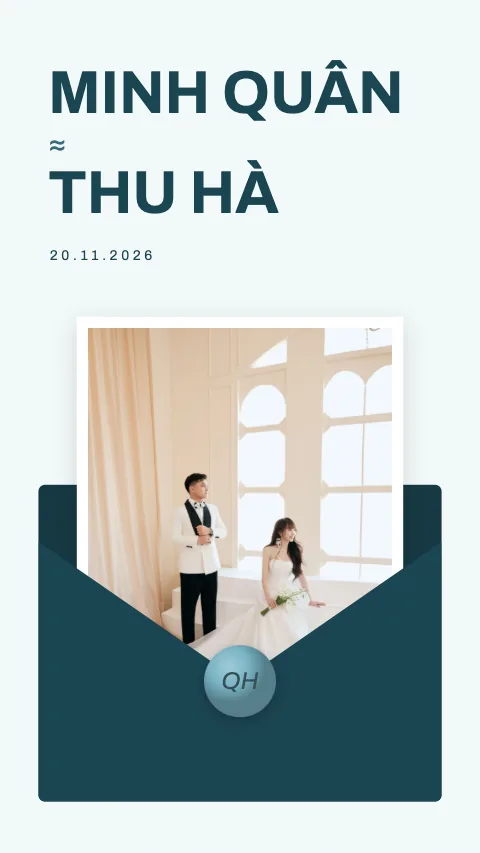 Azura
Premium · Minimal
See this template →
 Bloom
Premium · Garden
See this template →
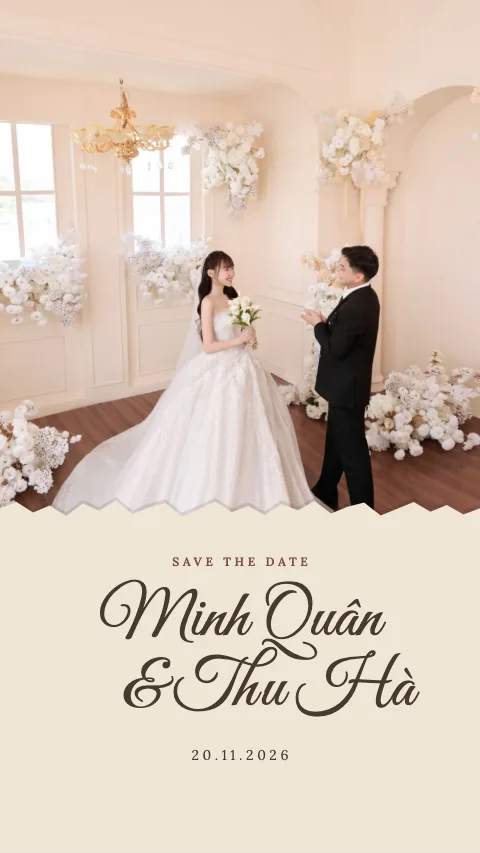 Keepsake
Premium · Garden
See this template →
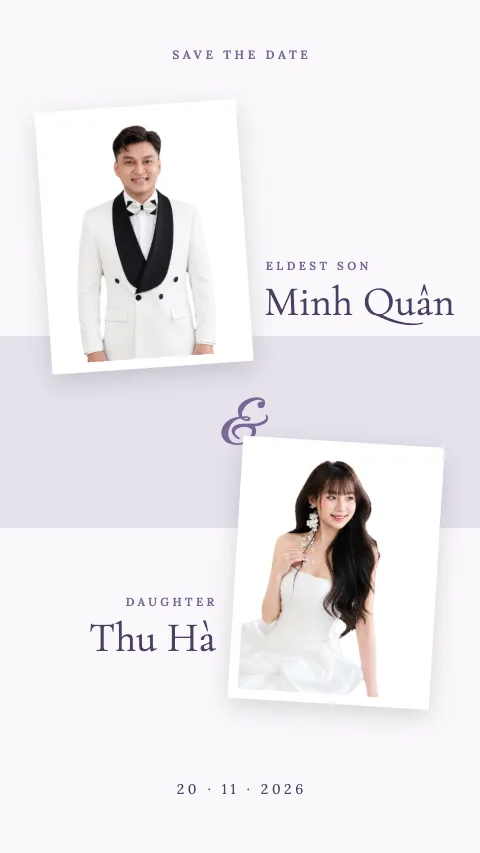 Lavender
Premium · Garden
See this template →
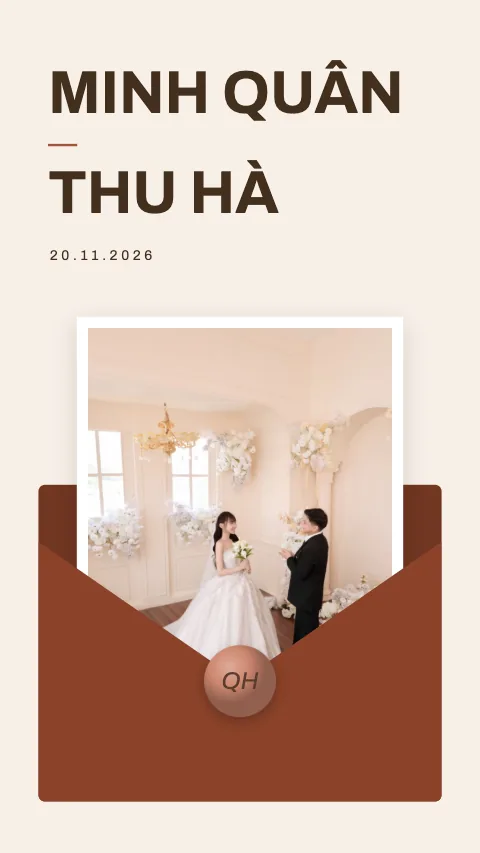 Terracotta
Premium · Minimal
See this template →
 Mauve
Premium · Garden
See this template →
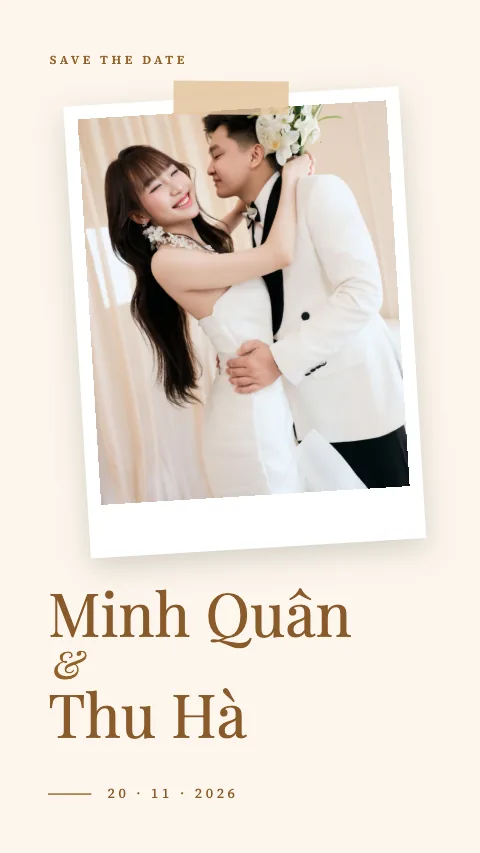 Golden Hour
Ultimate · Editorial
See this template →
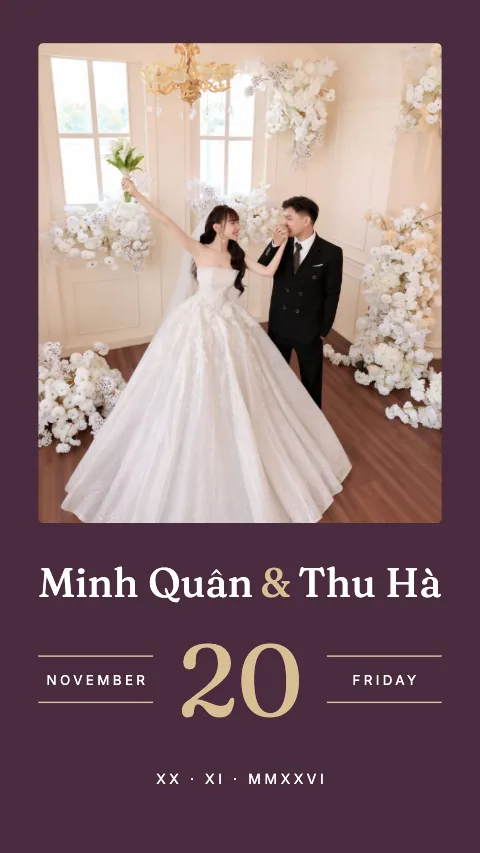 Heritage
Ultimate · Cinematic
See this template →
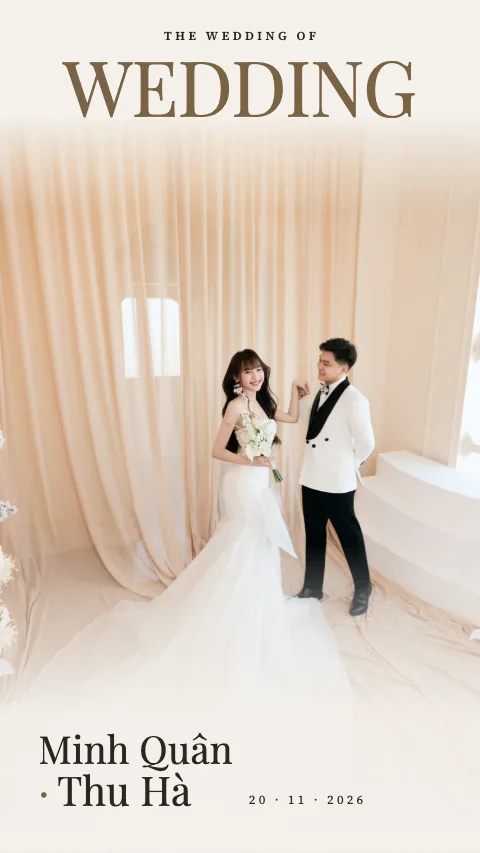 Editorial
Ultimate · Editorial
See this template →
 Oxblood
Ultimate · Cinematic
See this template →
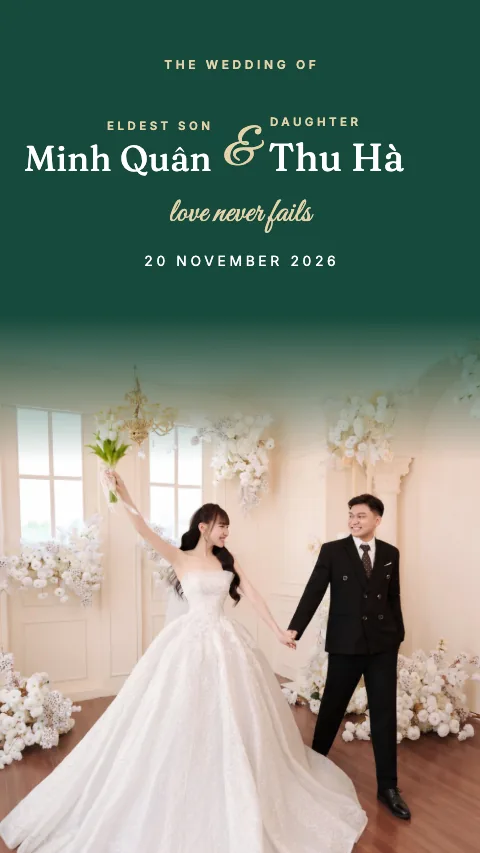 Emerald
Ultimate · Cinematic
See this template →
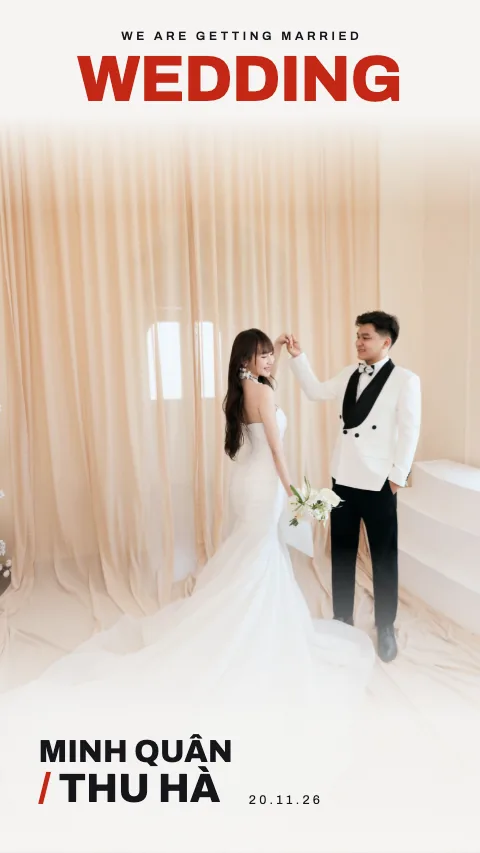 Bold Type
Ultimate · Minimal
See this template →
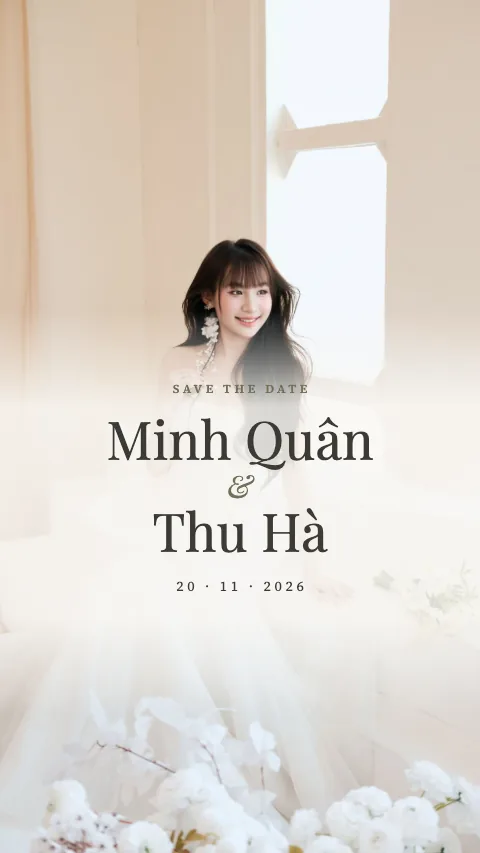 Pearl
Ultimate · Editorial
See this template →
 Vermilion
Ultimate · Traditional
See this template →
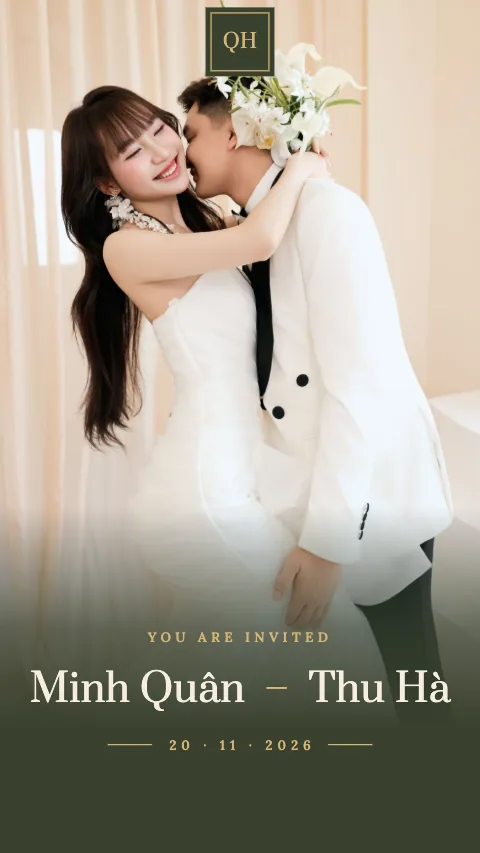 Moss & Brass
Ultimate · Traditional
See this template →
 Vermilion Happiness
Ultimate · Traditional
See this template →
For the couple
Know who's coming without asking everyone.
Guest list
One line per guest: opened or not, coming or not, how many people.
Wishes in one place
Guests write their wishes on the invitation, and you can read them any time.
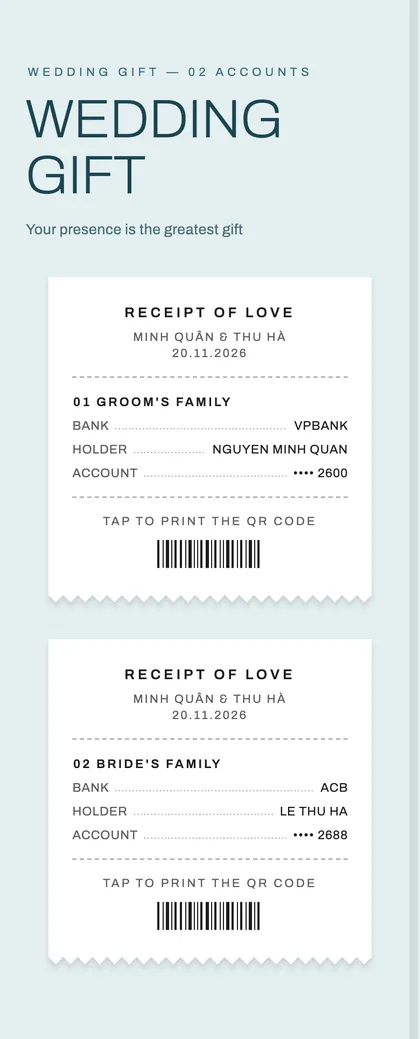
Gifts by QR code
Enter your bank account and the invitation makes a bank QR code (VietQR) for guests to scan.
Edit after sending
Change a time or a photo, then tap Update. The link stays the same and guests see the new version.
Directions to the party
The address opens straight in Google Maps, and changing it updates the directions.
Guests
4 guests · 2 replied
Linh
Bride's friend
Tuan
Groom's friend
Khoa
Colleague
Mai
University friend
“So happy for you both. See you at the party!”
A wish from Linh
For guests
Open it with one tap, keep it in one list.
- Opens straight from a message
- No app or sign-in needed. The envelope shows the guest's name first, and the invitation opens when they tap.
- Reply in one tap
- Say whether they're coming and how many people. Open the link again and the reply is still there.
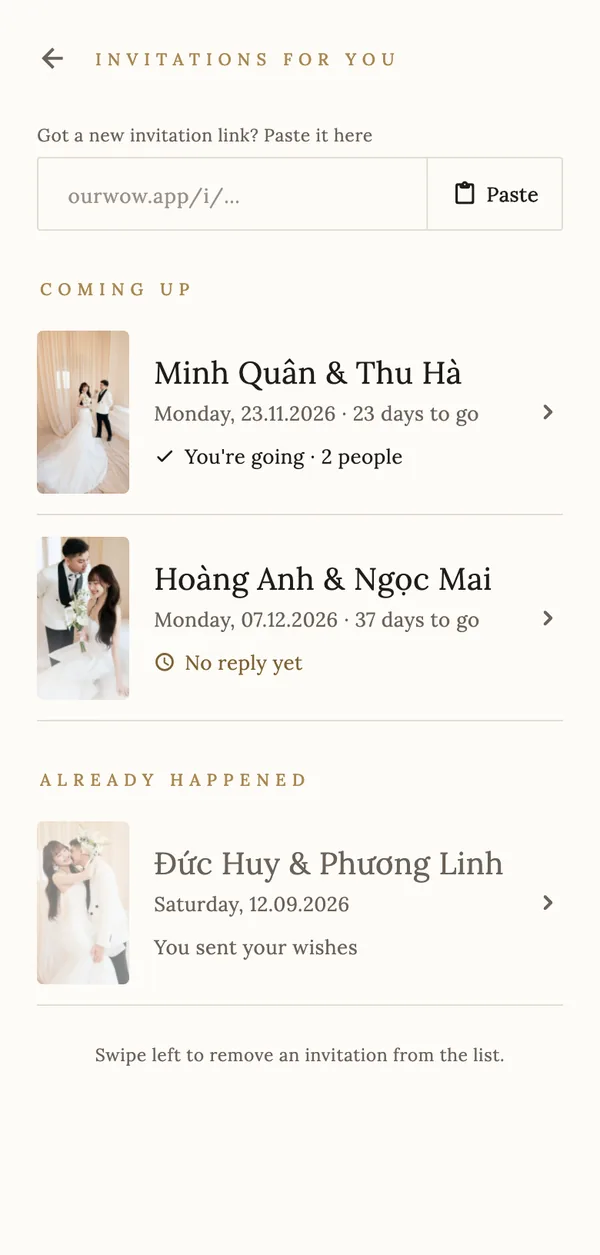
- A list of every invitation
- With OurWow installed, every invitation lives in one place: which weddings are coming up, how many days are left, and what you replied.
- Everything for the day
- Ceremony times, venue, directions, a countdown and the gift box, all in one invitation.
FAQ
Common questions
Do guests need to install the app?
No. The link opens in the browser on a phone or computer, even when tapped inside a messaging app.
Where do guests find the invitation again?
They can open the link any time. With OurWow installed, they get a list of every invitation, with the days left and the reply they sent.
Can I edit after sending?
Yes. Edit in the app and tap Update. The link stays the same, and guests see the new version when they open it again.
Can I make the invitation on a computer?
You create and send invitations in the OurWow app on iPhone or Android. On this site you can preview all 22 templates.
Can the invitation be in Vietnamese?
Yes. The built-in text follows the language you choose, and anything you type stays as you wrote it.
Get started
Your invitation starts with a template you love.
Download OurWow, pick a template, add your names, and send it when it feels right.